👥
Private Study Groups
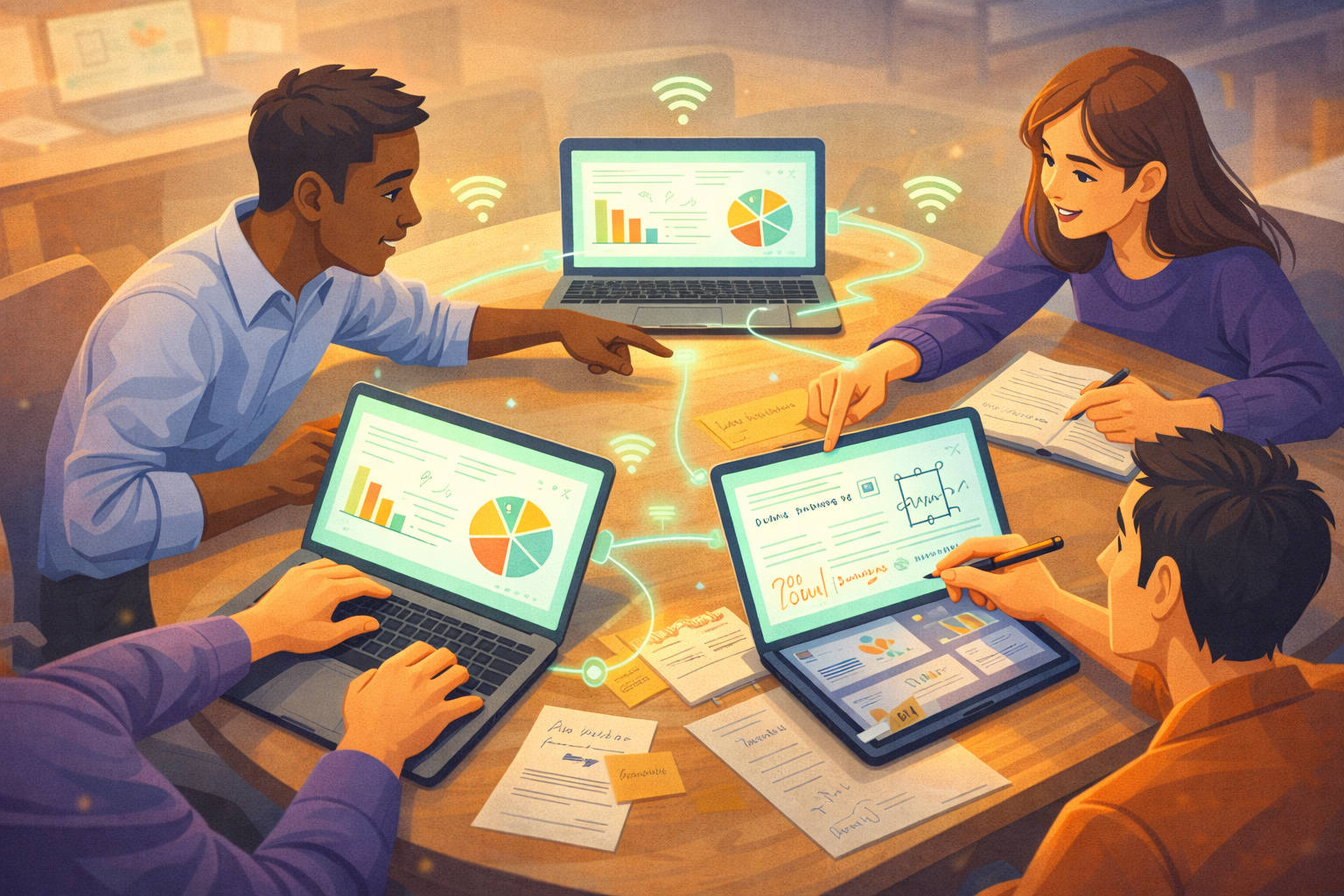
Create groups with unique join codes. Invite classmates and colleagues.
Collaborate with annotations and chat scoped to your group.
Join Codes
Private Groups
✏️
Collaborative Annotations
Draw on slides together in real-time. Highlight key points, circle important
areas, add freehand notes with pen or highlighter. Everyone in your group
sees annotations instantly. Supports stylus and touch for natural drawing.
Real-time Sync
Stylus Support
Multiple Colors
Pen & Highlighter
💬
Slide-Linked Chat
Discuss slides as you view them. Messages are linked to specific slides
so you never lose context. Ask questions, share insights.
Context Preserved
Instant
🎤
Voice Recording & Slide-Synced Playback
Record the presenter's voice during a live session. Audio is streamed in
near-real-time chunks to the cloud, synced with slide transitions via
timestamp markers. Viewers can play back the entire lecture with slides
auto-advancing at the original pace — like watching a recorded lecture,
but lightweight and instant. Seekable progress bar, volume control,
and speed adjustment included.
Live Audio Streaming
Slide-Synced Playback
Seek & Scrub
WebM/Opus
📷
Live Slide Capture
Presenter runs SeenSlide Desktop — it automatically captures every slide
change from any software: PowerPoint, Keynote, Google Slides, PDF viewers,
or anything displaying slides. Attendees join via a shared link on any
device. No app install needed. Navigate freely — go back to previous
slides at any time while the presenter moves forward.
Auto-Detect Changes
Any Presentation Software
Instant Sync
Navigate Freely
🔒
Offline-First, Privacy-Focused
Slides are cached locally. Review them anytime — even without internet.
Your data stays on your device. No tracking, no ads. Open source means
you can verify exactly what the software does. LAN mode available for
schools with limited internet.
Offline Access
Local Storage
No Tracking
Open Source
LAN Mode